
How to move a Wix website to another platform
You can move a Wix website to another platform by rebuilding its pages there. What Wix lets you export, how to move the domain without losing email, and the redirects that keep your Google rankings.
In short
- Wix's help page says a Wix site "needs to be hosted and operated on Wix's servers", so moving means rebuilding every page on the new platform (read 6 November 2026).
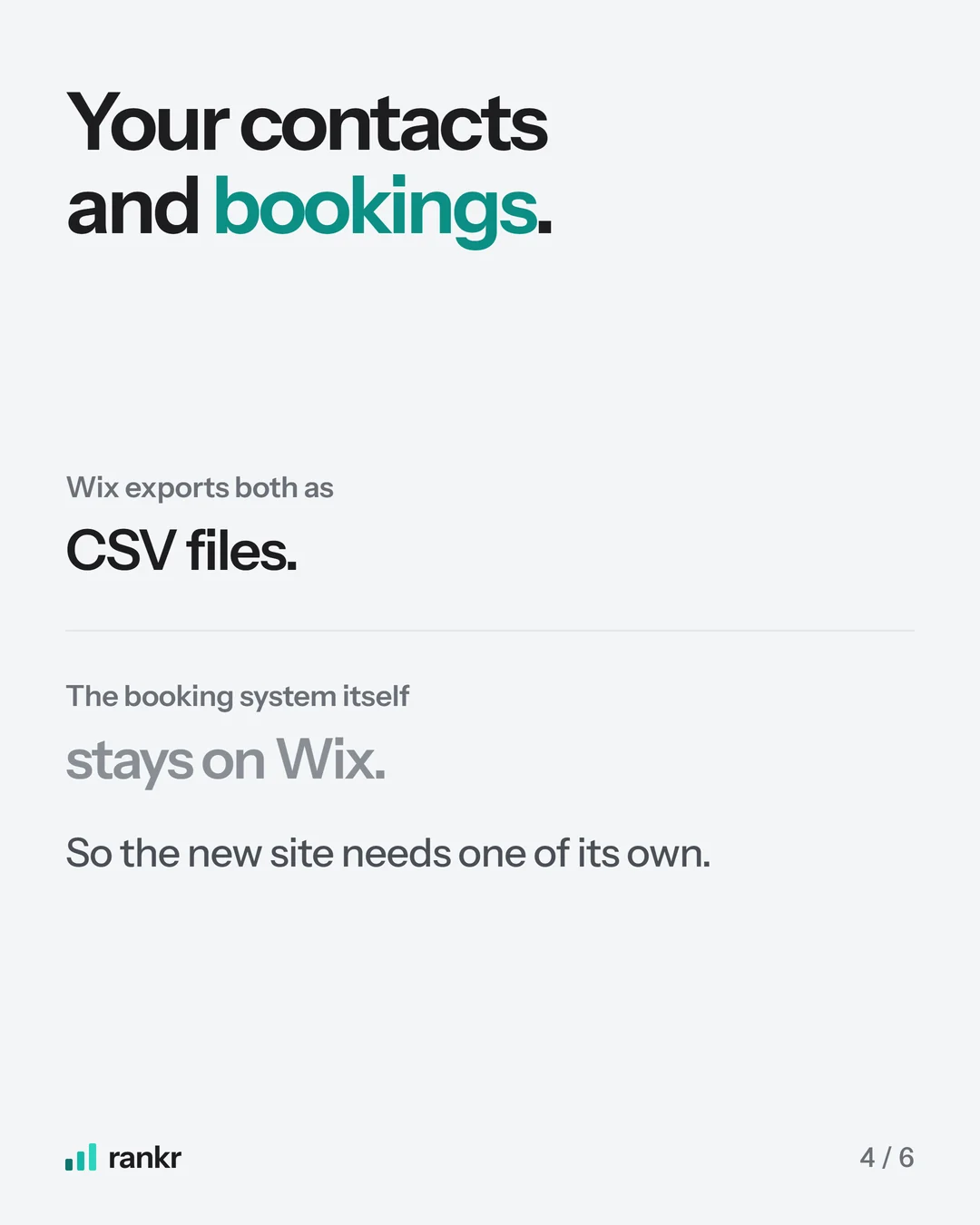
- Contacts, store products and the booking list export as CSV files, and the images and videos you uploaded can be downloaded. Blog posts have no export.
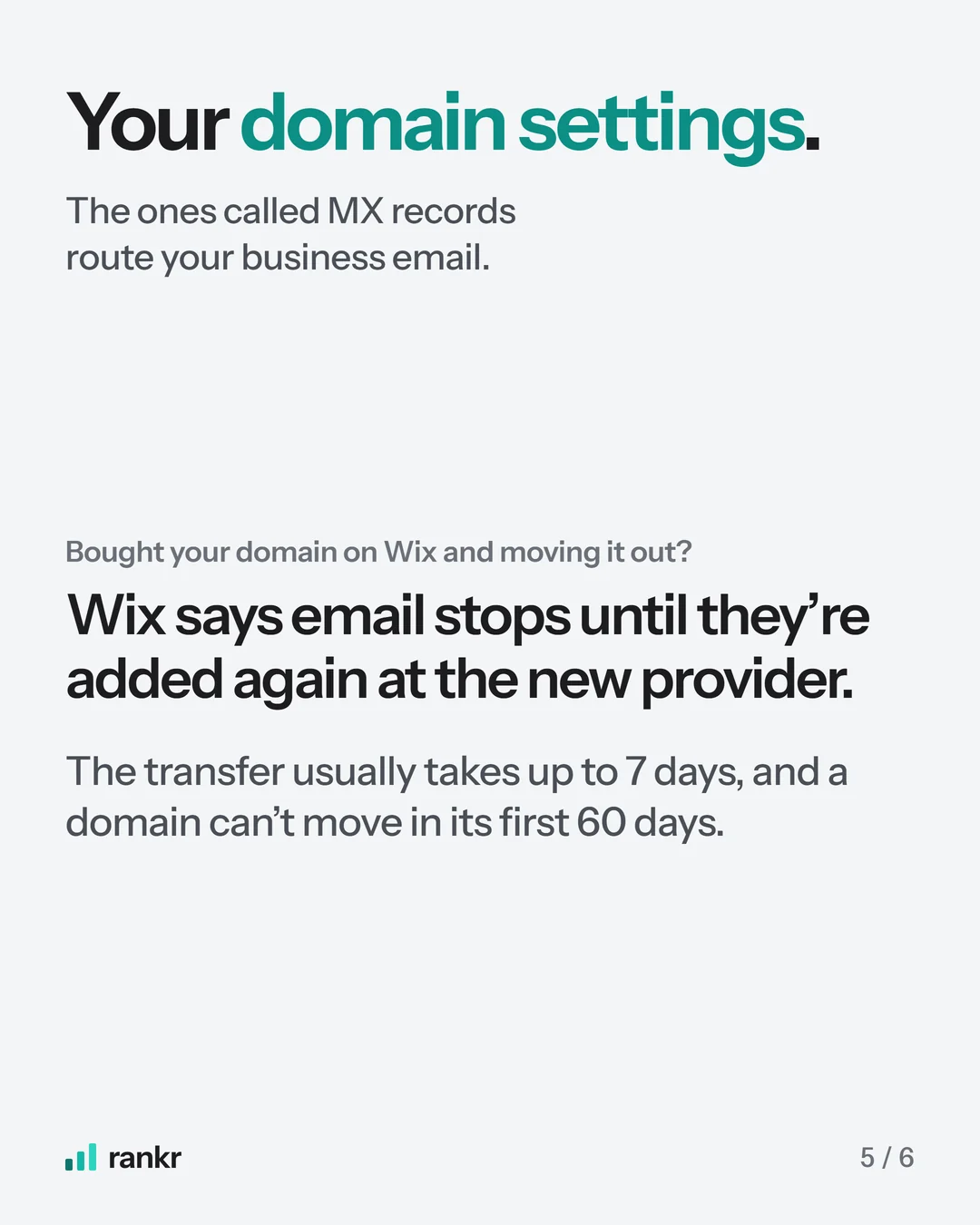
- Wix says a domain transfer usually takes up to 7 days, cannot happen within 60 days of purchase, and needs the MX records added again before business email works.
- Rankings move with you when every old address gets a 301 redirect to its new page, titles stay, and the new sitemap is submitted in Search Console.
You can move your Wix website to another platform, but only by rebuilding its pages there, because Wix's help page says a Wix site "needs to be hosted and operated on Wix's servers". What you can take is your domain, contacts, store products, booking list and the images you uploaded, each exported on its own. To keep your Google rankings, every old page address also needs a 301 redirect to its new page.
At rankr, a Singapore SEO agency, we move sites off Wix and WordPress as a one-off website migration. Below is what Wix's own help pages say about each part of the move, read on 6 November 2026.
Can I move my Wix website to another platform?
Yes, by rebuilding it. Wix's help page Exporting or Embedding Your Wix Site Elsewhere says: "In order for your site to work properly, it needs to be hosted and operated on Wix's servers." It gives the reason as well: "The reason you can't use another host for your Wix site is that the SaaS architecture does not support external hosting." The page carries no date.
The same page says "the content you build on Wix belongs to you" and that you can buy and manage your domain with another provider. So the words, photos and customer data are yours to take, and no button turns a Wix site into files another host can run. Every page gets rebuilt on the new platform, whether that is WordPress, Shopify, Webflow or a site built in code.
What can you export from Wix before you move?
Some of it, one export at a time. This is what Wix's help pages said on 6 November 2026:
| What | Can you take it? | How, according to Wix |
|---|---|---|
| Pages and design | No | Rebuilt on the new platform |
| Blog posts | No export | "Currently, it is not possible to export blog posts to other platforms." Each post is copied across |
| Store products | Yes, as a CSV file | Products tab, More Actions, Export. Up to 5,000 rows per file. Digital products cannot be exported |
| Contacts | Yes, as a CSV file | Contacts, Import / Export, Export. Up to 50,000 at a time, by the site owner only |
| Bookings | The booking list, as a CSV file | Booking list, Export icon. The booking tool itself stays in Wix |
| Images and videos | The ones you uploaded | Media Manager, Download. "Free Wix and Shutterstock media cannot be downloaded." |
| Domain | Yes | Point it at the new host, or transfer it (below) |
The blog takes the longest. With no export, each post is copied across by hand, and each has its own address to redirect: Wix puts posts at yourdomain.com/post/post-title by default, so if the new site uses /blog/, every post needs its own redirect. Store products sit under /product-page/ by default in the same way, unless someone changed the URL settings in Wix.
For bookings, the new site needs a booking tool of its own, or a developer to keep Wix Bookings through Wix Headless, which Wix says lets you use its bookings services "in a site or app you build on any platform". Download every export before the switch.

How do you move your domain off Wix without losing email?
Copy every DNS record first. The MX records route your email, and Wix's page on them says your domain "must have your email provider's MX records added to its DNS records for your email to work". In your Wix account, open Domains and choose Edit MX Records for the domain. Copy the TXT and CNAME records too, since those verify tools such as Google Workspace, Microsoft 365 and Search Console.
Then pick one of two routes:
- Keep the domain where it is and point it at the new host. In the domain's DNS records, replace the records that point it at Wix with the ones your new host gives you, and leave the MX records alone. Email keeps working.
- Transfer the domain to another registrar. Wix's page Transferring Your Wix Domain Away from Wix says a transfer "usually takes up to 7 days", that "You cannot transfer a domain within 60 days of purchase", and that the domain "must be unlocked before you begin the transfer". Wix emails the transfer code (EPP code) to the domain's registrant contact address. On email it is plain: "You need to add the MX records again after the transfer in order for the business email to work." Add them at the new provider the same day.
ICANN, which sets the transfer rules for domains such as .com, has the same 60-day limits. Its registrant FAQ says a registrar may refuse a transfer within 60 days of the first registration or of a previous transfer, and that changing the registrant's name, organisation or email address locks the domain for 60 days. Its advice: "If your ultimate goal is to transfer the domain name, you may want to consider completing the transfer process before changing your contact information." A .sg domain follows SGNIC's process instead. Its FAQ says you get a "domain transfer password" from your current registrar and take it to the new one, and SGNIC approves the transfer after 7 days if the current registrar does not act.
How do you keep your SEO when you migrate from Wix?
Give every old address a permanent redirect to its new page. Pages on the new platform often get new addresses, such as /blog/ in place of Wix's /post/, so this is where a Wix SEO migration keeps or loses its rankings:
- List every old address. Wix publishes a sitemap at yourdomain.com/sitemap.xml. Add the Pages export from Search Console (Performance, Search results, Pages tab, last three months), which shows the pages Google already shows people.
- Redirect each one with a 301 to its closest new page. Set the redirects up on the new platform, because once the domain points away from Wix, Wix no longer receives those visits. Never send them all to the homepage.
- Keep each page's title and main heading. They carry the words the page ranks for. Change the design as much as you like and keep the text Google was reading.
- Submit the new sitemap in Search Console. Google's site move guide (updated 20 August 2026) lists it as a step. Its Change of Address tool is only for "moving from one domain or subdomain to another", so you skip it when the domain stays the same.
- Watch Search Console for a few weeks. Google says "a small to medium-sized website can take a few weeks for most pages to move". Once a week, open Indexing, then Pages, and look for new Not found (404) rows, which usually mean a missing redirect. Keep the redirects "for as long as possible, generally at least 1 year".
Our website migration checklist has each of these steps in full, including the ten-minute check to run the day after launch.
Steps to move Wix website to another platform, in order
- Export the Pages and Queries tabs from Search Console for the last three months.
- Download your contacts, products, bookings list and uploaded images.
- Copy every DNS record, MX records first.
- Rebuild the site on a preview address, blog posts included.
- Load the redirect list on the new platform.
- Point or transfer the domain. If you transferred it, add the MX records that day.
- Submit the new sitemap and request indexing for your main pages in URL inspection.
- Keep the Wix site until the checks pass, so you can compare pages if something is missing.
Should you leave Wix at all?
Only when Wix is what holds the site back. A Wix site can rank, and leaving means paying for every page to be rebuilt. Move when you want code you own and can host anywhere, or need something Wix will not let you build.
If a new look is the real goal, read what to ask before you pay for a website revamp first, and what a website costs in Singapore for the price ranges Singapore agencies publish.
If you would rather hand the move over, our website migration rebuilds every page in code from your live Wix site, redirects every old address and keeps your bookings, payments and email working. You click through the new site on a preview link, and nothing changes until you approve it.
Sources
- Wix: Exporting or Embedding Your Wix Site Elsewhere, read 6 November 2026
- Wix Blog Request: Exporting Blog Posts to Other Platforms, read 6 November 2026
- Wix Stores: Exporting Your Product List, read 6 November 2026
- Wix Stores: Editing Page SEO Settings For Products, read 6 November 2026
- Wix Blog: About blog post web addresses, read 6 November 2026
- Wix Contacts: Exporting Your Contacts, read 6 November 2026
- Wix Bookings: Managing Bookings with the Booking List, read 6 November 2026
- Wix Media: Downloading Files from the Media Manager, read 6 November 2026
- Wix: Transferring Your Wix Domain Away from Wix, read 6 November 2026
- Wix: Adding or Updating MX Records in Your Wix Account, read 6 November 2026
- Wix Headless: Bookings Quick Start, read 6 November 2026
- ICANN: FAQs for Registrants, Transferring Your Domain Name, read 6 November 2026
- SGNIC: FAQ, read 6 November 2026
- Google: Site moves with URL changes, updated 20 August 2026
Frequently asked questions
Can I export my Wix website?
Not as a working website. Wix says a Wix site has to be hosted on Wix's servers, because its architecture "does not support external hosting". You can export contacts, store products and your booking list as CSV files and download the images and videos you uploaded, then rebuild the pages on the new platform.
Can I move my Wix website to WordPress?
Yes, by rebuilding the pages in WordPress. Wix has no export for pages or blog posts, so the text is copied across, while contacts and products come out of Wix as CSV files. Every old Wix address then needs a 301 redirect to its new WordPress page.
Can I keep my domain if I leave Wix?
Yes. Keep it registered with Wix and point it at the new host, or transfer it to another registrar. Wix says a transfer usually takes up to 7 days, cannot happen within 60 days of purchase, and needs the MX records added again before business email works.
Want this done on your site? Send us your website and we will tell you what we would fix first. The audit is free.